A live demo you can click, and the screens that lead: findings and backup coverage.
Demo data, nothing leaves your browser. Every action shows the command it would run. Open full screen
What it does first.
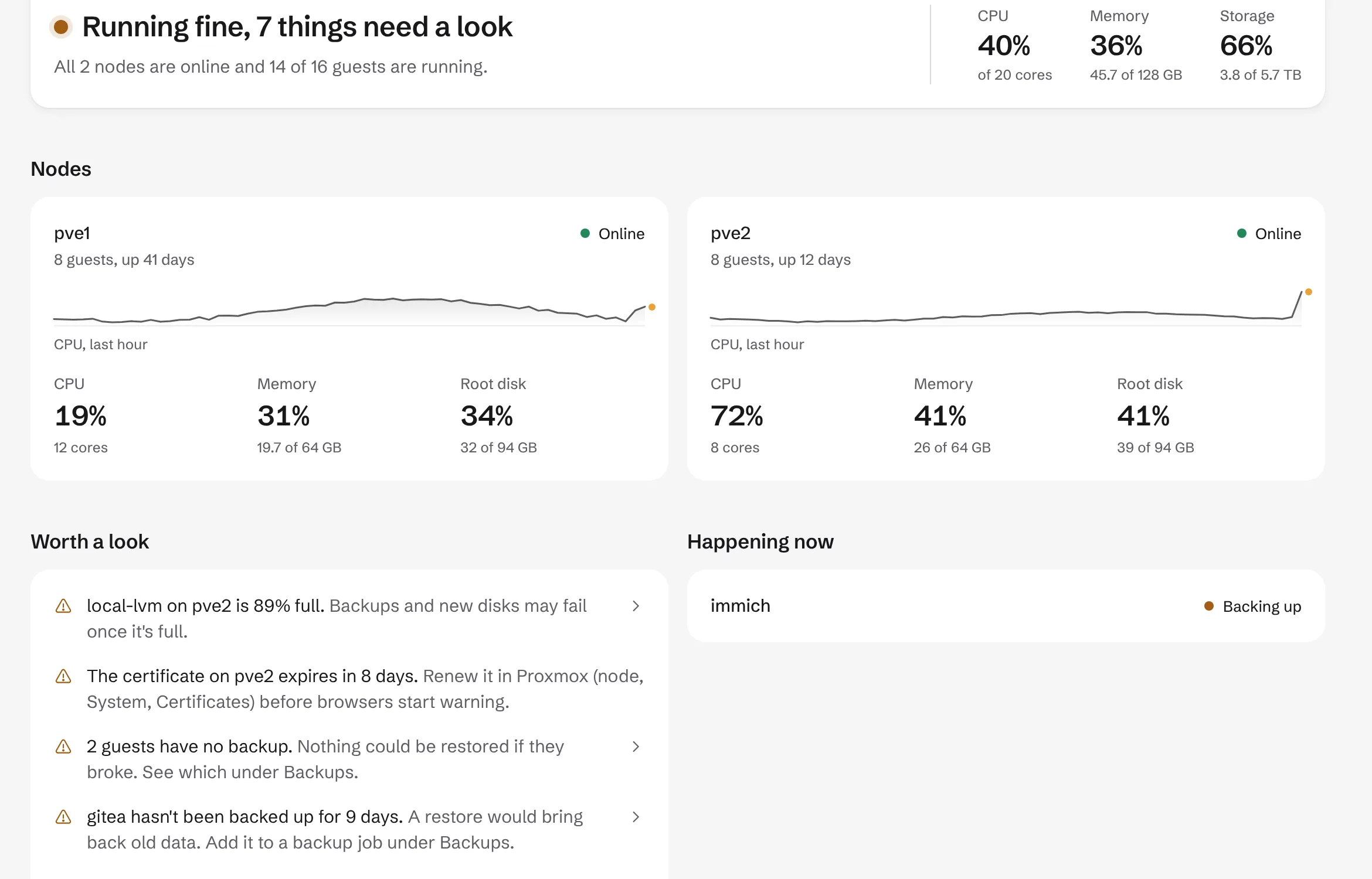
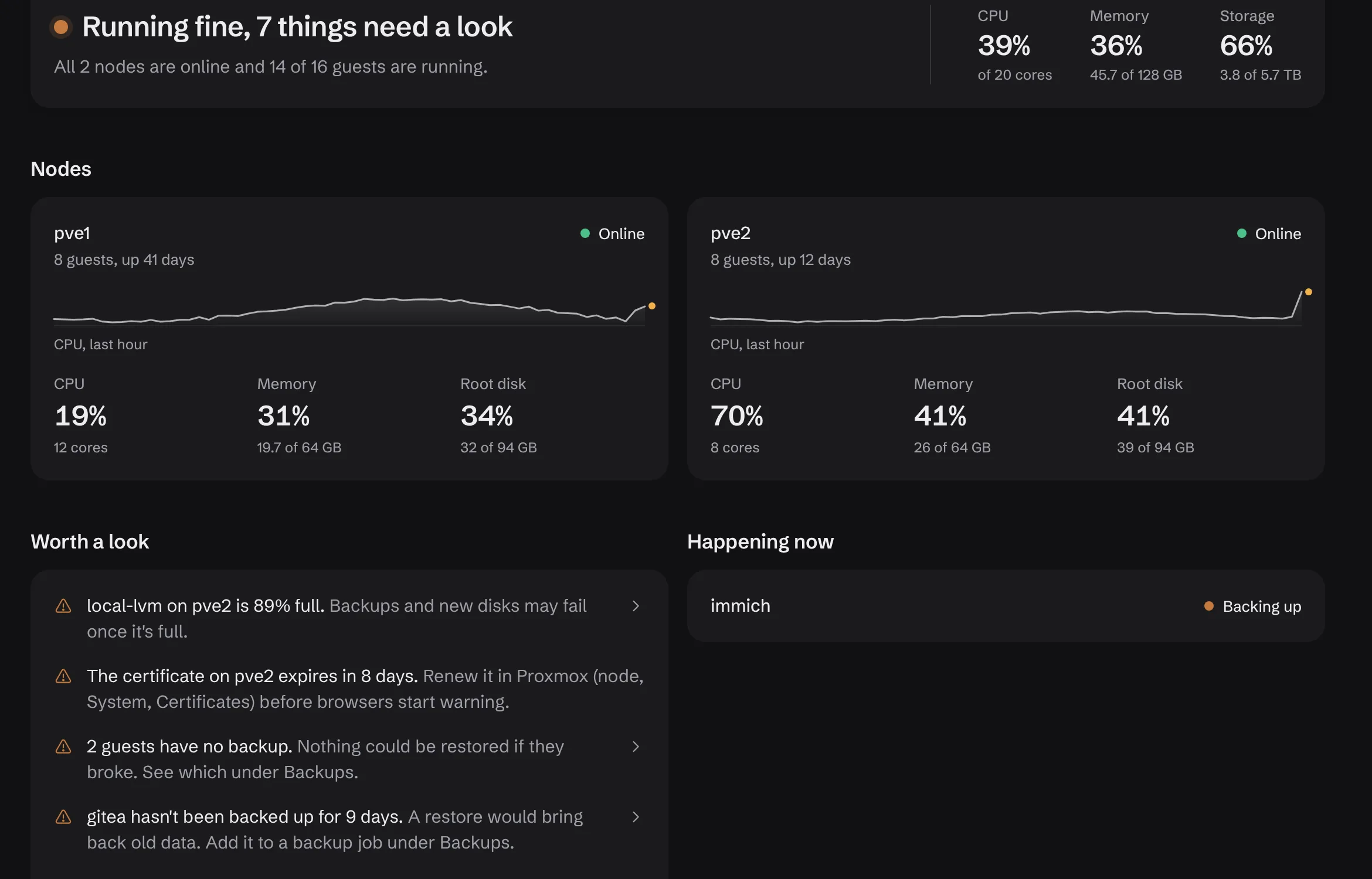
Findings and backup coverage lead. The rest of the interface shows the same data Proxmox reports, with exact settings one click away on every row.
Findings
Overview lists what needs a look. Each finding names the guest, node or disk and says what is wrong in one line: storage filling up, a certificate about to expire, a guest with no backup.
From 0.7, findings lead the page and carry the fix, such as Back up now or Add to nightly job.
Backups
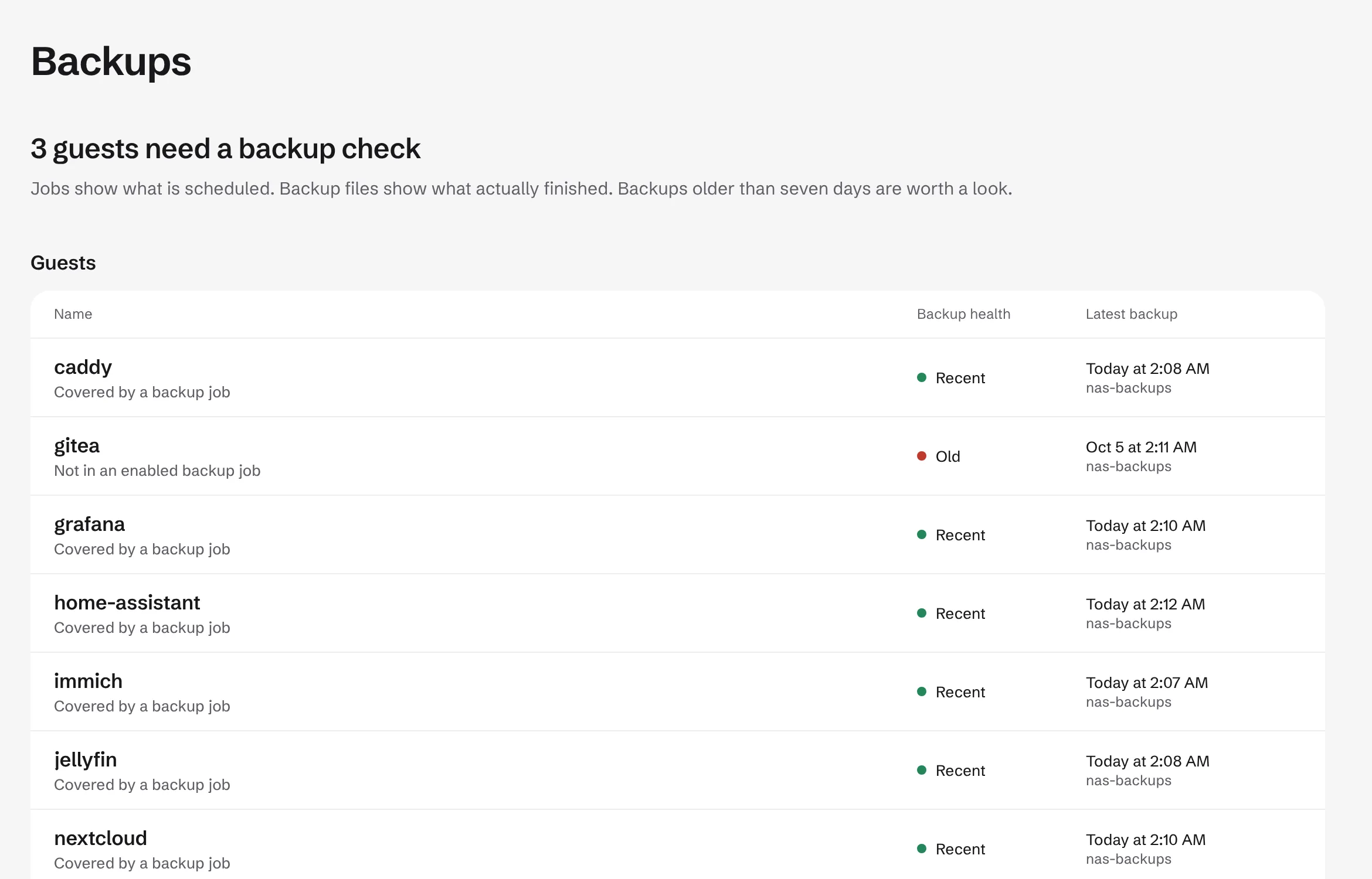
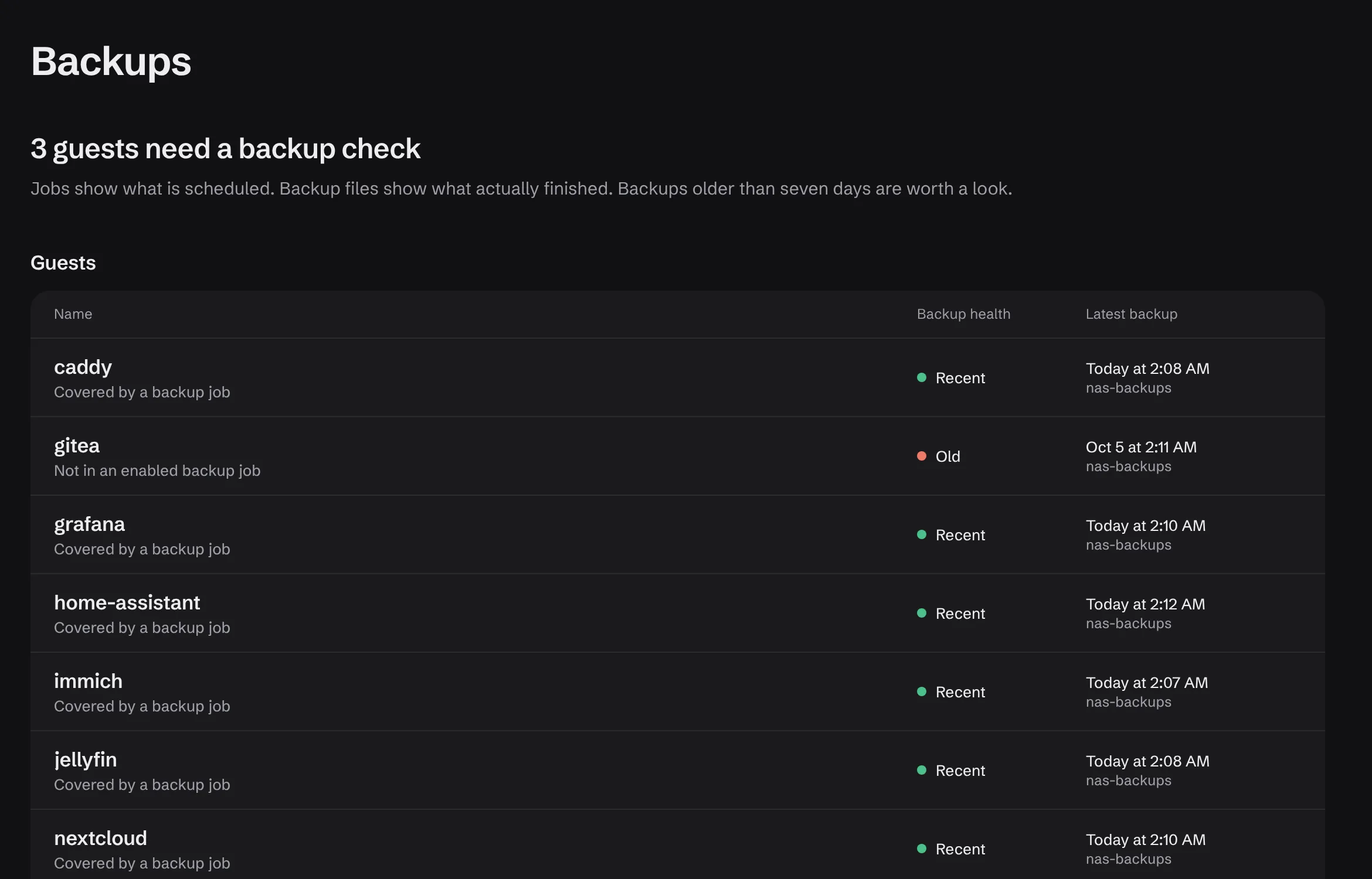
Which guests have a recent backup and which have none, before you need one. Coverage is read from your existing backup jobs and storage.
Read-only today. Restore and a restore test per guest come in 0.7. Backup Server datastores, prune, verify and sync arrive in 0.11.
Also included
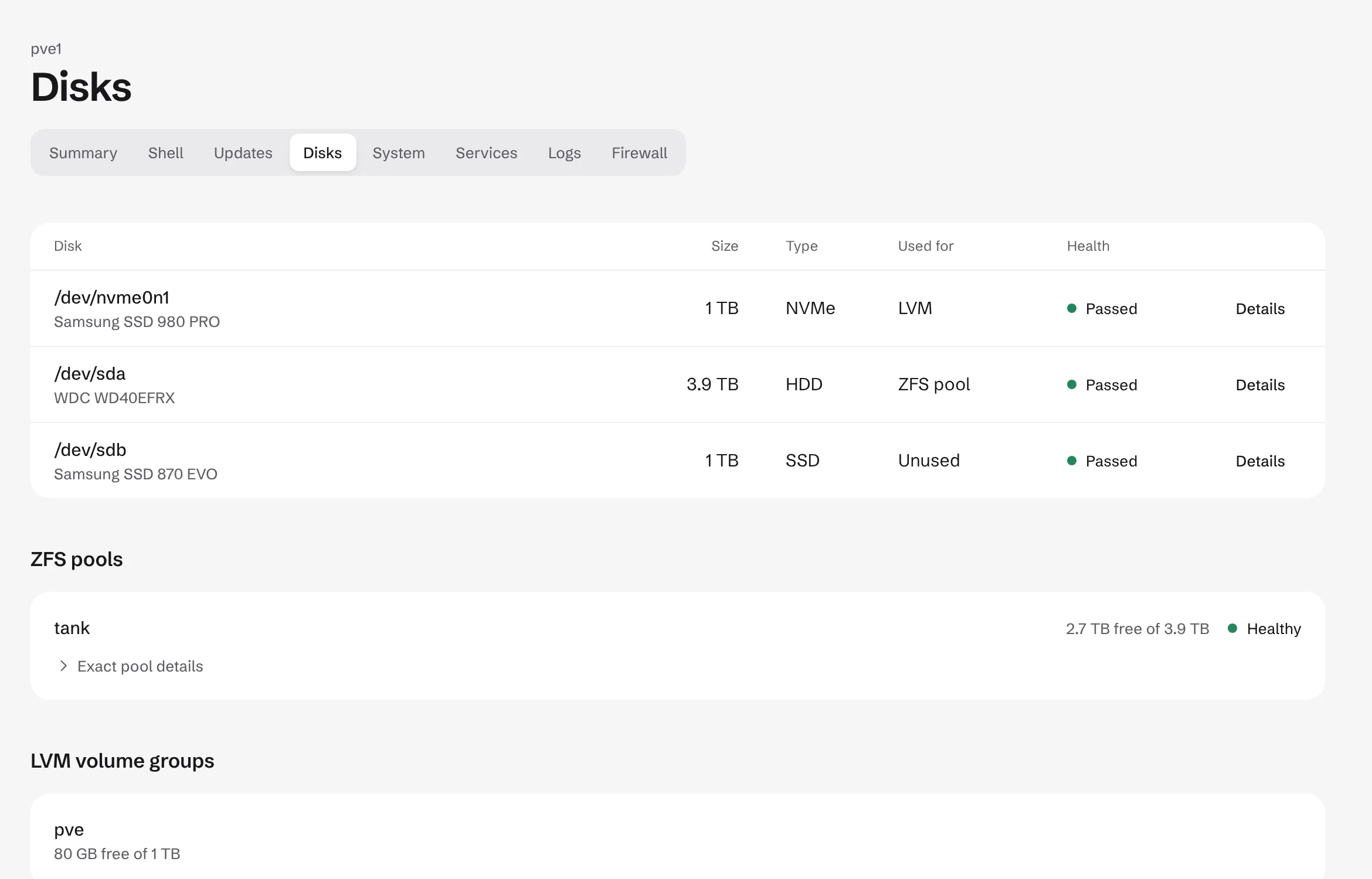
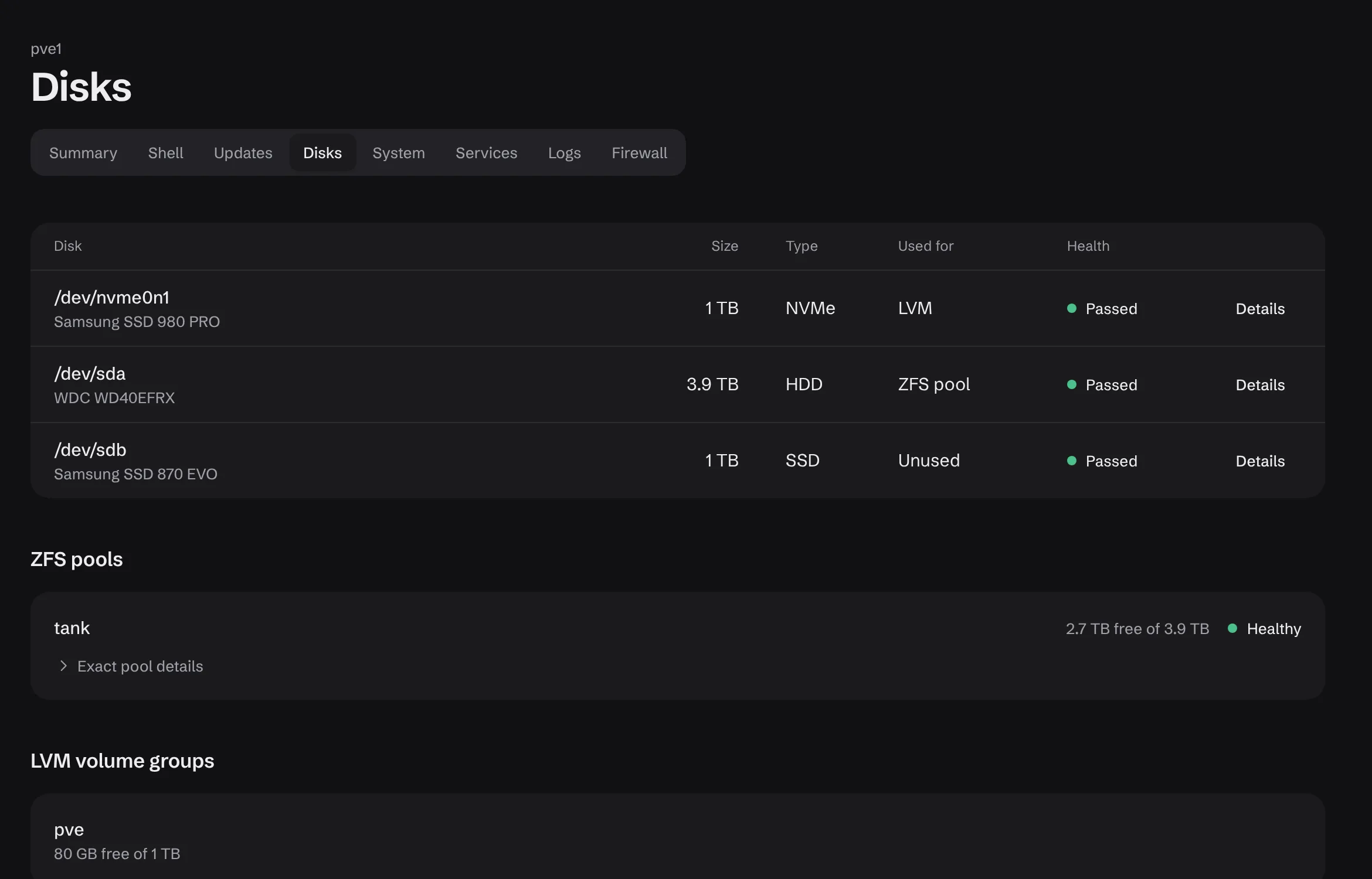
Disks
Every disk on every node: device path, model, size and health in one table. The same data as the node Disks panel, without the tab hunt.
Read-only today. Guided ZFS replace is planned for 0.12.
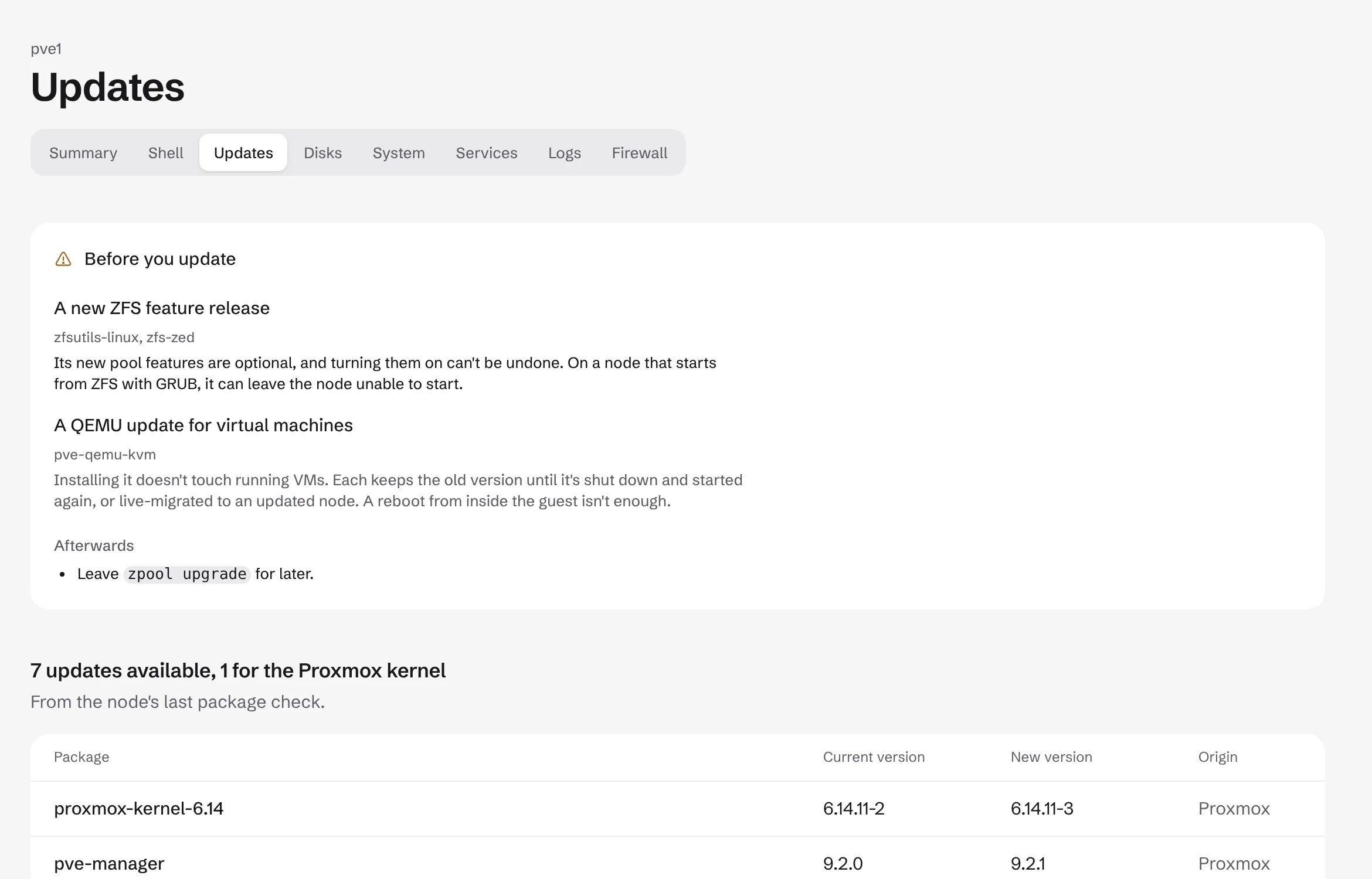
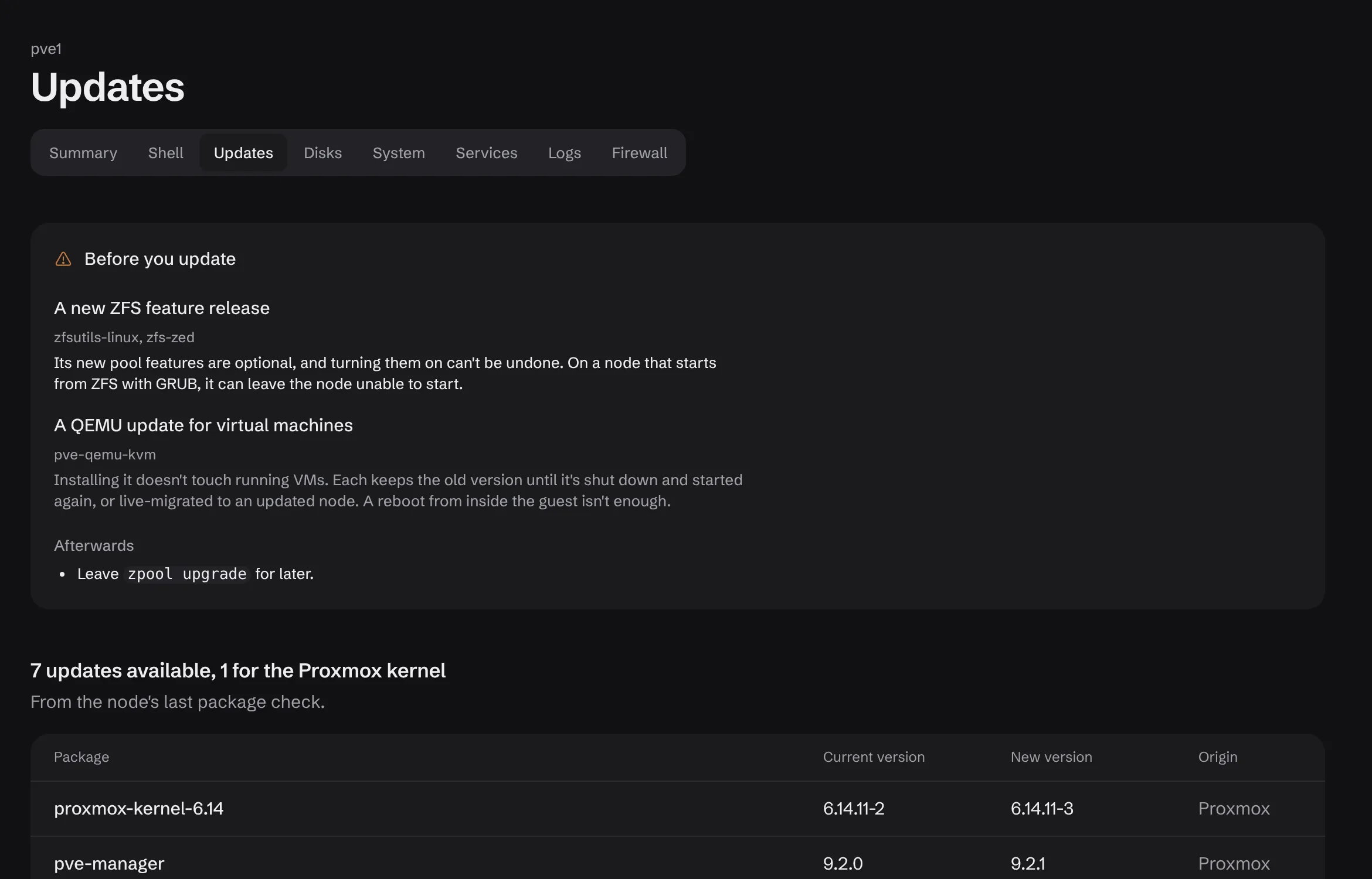
Updates
Pending packages per node with current and new version side by side, and the origin of each. Package sources are listed with their exact repository lines.
Example: proxmox-kernel-6.14 6.14.11-2 to 6.14.11-3.
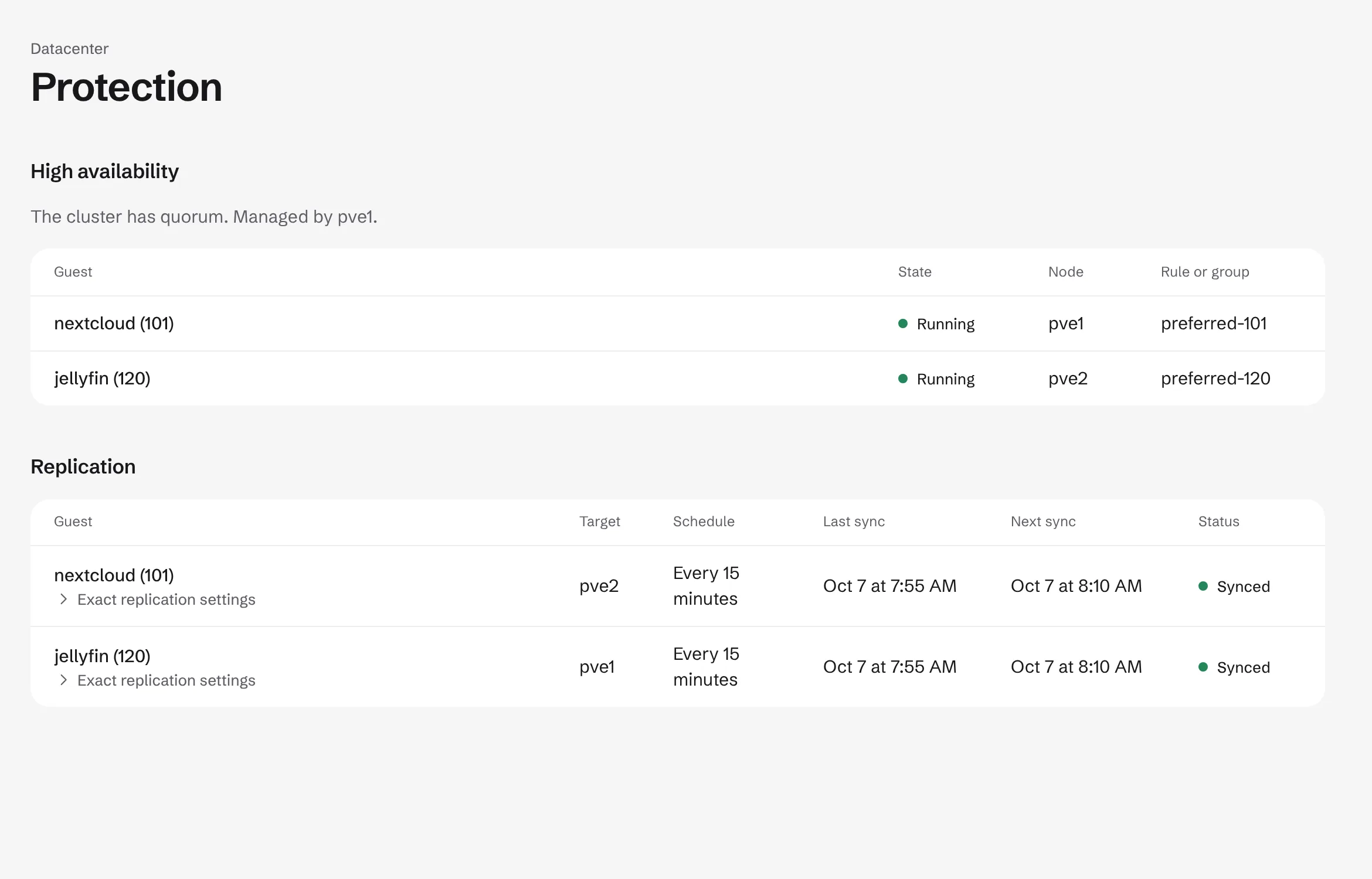
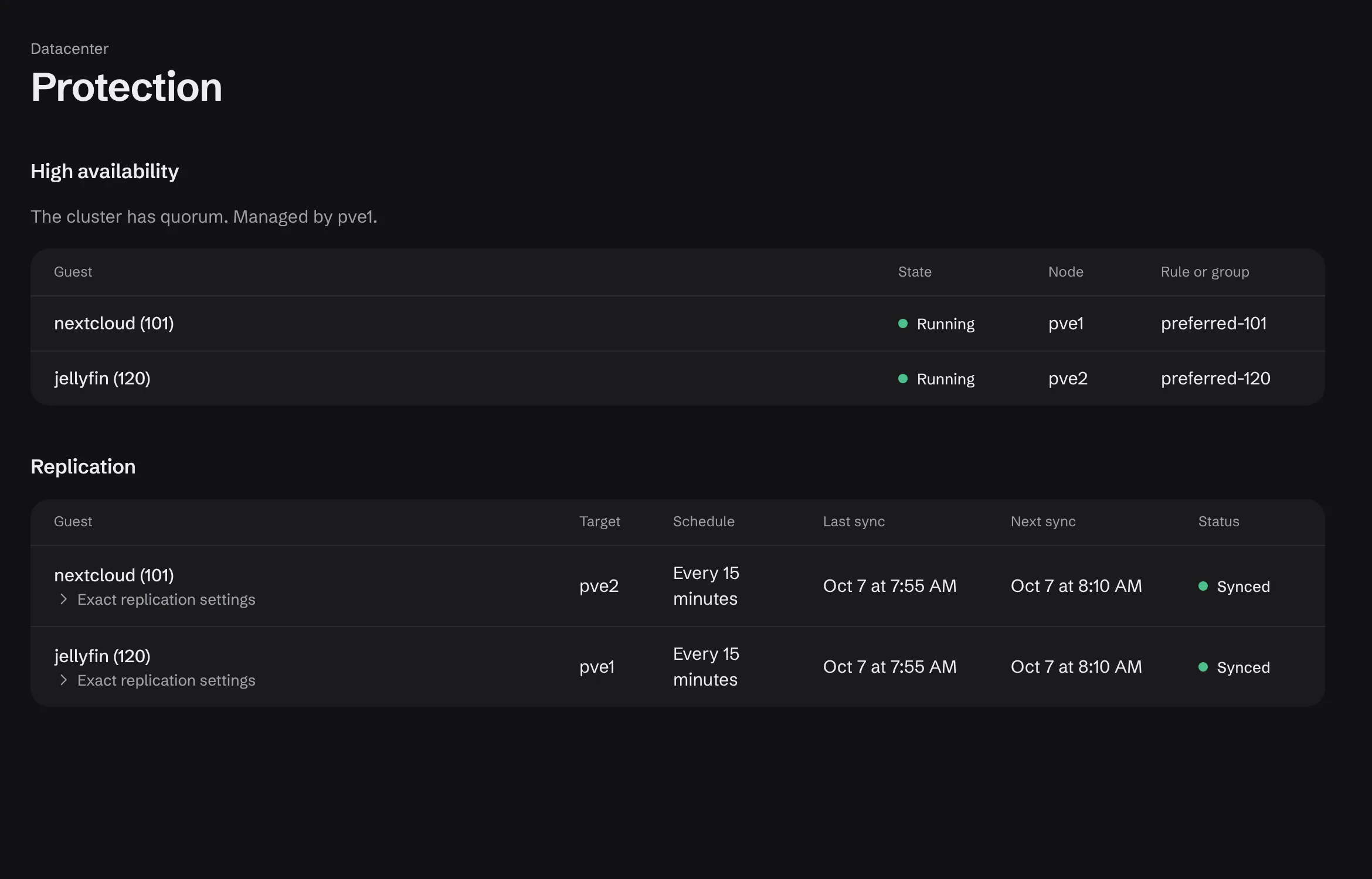
Protection
High availability and replication together: quorum, which node runs each guest, the rule or group behind it, and when each replication last synced and next runs.
Exact replication settings expand in place.
How it is built.
Your identity, every time
Each action runs as your own Proxmox user. There is no service account and no master key, so Proxmox permissions stay the single source of truth.
One container, nothing on nodes
The hub lives in its own container and talks only to the PVE and PBS API over TLS. Nothing is installed on your nodes.
Signed releases
Updates install from the Update button and roll back automatically if they fail.
PVE 8 or 9 · PBS optional · one container · your existing users and 2FA · signed releases